Miscellaneous cyclopathology

When Mood Music
2013-03-17 17:36:00 calm

On Friday I cycled to South Queensferry and back to see the VAT Run, a community project centered around a mountain bike trail very close to the Forth Road Bridge. I’ll blog in more detail about that later this week but I was reasonably pleased with my average speed – around 13mph sustained over two 10-mile runs.

My replacement USB-WERK arrived later, so it was fitted on Saturday morning.

Elly and I were photographed while spinning, and there’s a very good reason why doesn’t spin.

This morning Lev and I hauled ourselves out to do laps of Arthur’s Seat with 6 other folk from LifesCycle. I did 4 laps (just over 20 miles) in 1 hour 45 minutes, so an average speed of just over 11·5mph. I was finishing my 3rd lap when I was overaken by one of the spinnign instructors – she was finishing her 6th lap. (I don’t her overtaking me 3 times though.) Despite being the slowest by far of this group, I was pleased

  • that I carried on to the bitter end
  • that I’m not so knackered I can’t spin this evening
  • that I stayed in Lev’s top range of gears all through. A year ago I’d have struggled to stay out of Lev’s bottom range on the slopes.

Finally, lots of swearing at the van that tried to mash Alan on London Road and the car that tried to take me out on a roundabout in Holyrood Park. Vehicles already on the roundabout have priority even if they don’t have infernal combustion engines, you arse.

On the way hiome, I tried the new USB-WERK. This one also stops charging my jPhone when Lev stops moving, so I guess the first one wasn’t faulty after all.

The dark side versus the litigious side part 2

When Mood Music
2013-03-17 17:19:00 curious

Having set up dad’s new Mac Mini as a PC, we then needed to settle on options for enabling his software that won’t run under Windows7. The only software in this category was Autosketch, an ancient CAD program.

Dealing with ancient software
The biggest issue was that its installer media are floppies. I couldn’t get my WindowsXP virtual machine to recognise my USB floppy drive, and the installer just fell over under Windows7 on the Mini. My breakthrough was Crossover, which provides a Windows API within the mac environment, where the floppy drive did work. Installing into a WindowsXP ‘bottle’ seemed to work fine but when launched, the initial dialogue box wasn’t clickable. Also, the installer by default puts everything into C:/WSKETCH rather than C:/Program Files/suitable folder, which is a bit weird. Anyway, I copied the WSKETCH folder to my Windows XP VM and here it worked fine.

So I made a copy of this VM, launched it, stripped out all the stuff dad didn’t need (Safari, Office, 2003, etc), pinned Autosketch to the taskbar and start menu to end up with a simple Autosketch ‘appliance‘. I then copied the VM’s hard disk image to the Mini’s MacOS environment, rebooted it in Windows7 and set up a WindowsXP VM using the copied image. All worked fine, so I thought the job was done.

MacOS v Windows
I was wrong – dad asked a few questions, mainly because I hadn’t managed to get across how VMs work:

It will have a version of Windows which is not very different from the version I now use. Or it could be without Windows but have a different system. Would the non-Windows system be as easy to use as the Windows system I now have?
If you were coming from scratch, mac is better – more intuitive, much less virus prone, easier to network, faster and much more sane updates, more standards-compliant browser, better disk file systems, built-in intuitive email client, better back-up software available… But you have many years of PC use and I thought you wanted to stay on that side, which is why I’ve put Windows7 on the machine. (There are cons to mac as well: some software isn’t available for mac, Apple is notoriously tight-lipped when issues are found, …)

It will have a different (better?) email system: Mozilla Thunderbird vs. whatever I now use.

Yes. Webmail (i.e. accessing your email via a browser) was, is and always will be CRAP. The only time to use webmail is when you’re using someone else’s machine. (For example, I have to use webmail on the university PCs. When I emailed from India, I used webmail on PCs in internet cafes.)

Does this mean that I no longer be able to use <my current email address>?

No. Your current <ISP> will still provide your email service. You can access that from whatever machine and software you choose. Both the Mac and Windows7 installs on your new computer have email clients (Apple Mail and Mozilla Thunderbird respectively) which can access your current email account. I’ve set them both up to do so.

Will my present router still work?

Ditto. The router is just a way of transforming the phone signals that come into the house into signals any computer can use. It then distributes the signals via ethernet cables and a wireless network to their proper destinations. (Remember my macs can use your router’s wired and wireless services.) Think of the router as a step-down transformer in a substation. Substations receive electricity at several thousand volts (to reduce transmission losses) then convert it to 240 volts and distribute it to nearby buildings.

Do I need to change to another system?
Yes. I reiterate my comment about webmail. To explain a bit further, with webmail (i.e. accessing your email via a browser)
  • You are limited to a slow and clunky browser interface.
  • You need to be connected to the internet all the time. (Not a huge problem cos you have broadband which is an always-on connection. But what if your broadband goes down and you need to look something up?– If you are constrained to using a browser, you are stuffed because your emails aren’t actually on your machine – they are on your email service provider’s servers. (This is why webmail is slow.)
    – If you use an email client, it downloads the emails to your machine so they can be accessed quickly, without needed access the internet.)
  • You can’t (properly) use folders and filters.
    – For example, I have a folder called ‘family’. Within that I have folders called ‘Dad’, ‘Ian’, etc. I file emails once I’ve read them and taken any necessary action, so my in-box acts like a things-to-do list.
    -I could have filters to direct income email from, for example, my lecturers, to a ‘stuff to do for uni’ folder. You could filter all those DeutscheWelle emails into a separate box so they are out of the way of your other emails and can be read at your leisure.
  • There are also spam and junk filters built into email clients.
  • You can’t search through emails if you’re using webmail. With an email client, you can search for senders and content. Imagine if you knew you’d received an email about frogs but couldn’t remember who sent it. using webmail, you’d have to look through every email. Using an email client, you can just do a search for ‘frog’ and it will list all relevant emails. Similarly, you can locate all emails sent to and received from a certain sender. (The actual search facilities vary with the client. I’ve not fully explored Thunderbird’s search capabilities.)

The above applies to any email account from any provider. I could access my email on any machine using a browser but if I’m using my macs or phone, I use their built-in email clients, no matter where I am. The same email clients work with all of my email addresses.

[OK, I know some of the above may not be strictly true for all webmail services…]

Would removing Windows7 mean that what you had achieved by making  Autosketch work would be wasted & it would not operate on the non-Windows system?
No. Whether you use Windows7 or mac as your main OS makes no difference – Autosketch needs WindowsXP or earlier. So whether you choose to use Windows7 or mac, you’ll have running within your chosen OS a WindowsXP virtual machine.
  • If you choose to use Mac as your main OS, you’d run Autosketch just like I showed yesterday.
border=0
  • If you choose to use Windows7 as your main OS, you’d run Autosketch within a WindowsXP virtual machine running within your Windows7:
border=0
(I obtained the above image by cropping a screenshot of Autosketch running within a WindowsXP VM running within a Windows7 VM running within MacOS.)
I suppose that I don’t use Autosketch so very often that it would be a great loss.

I guess I’ve fixated on it because (i) I can’t resist a challenge (ii) I don’t want you to be deprived of software you use and the data you’ve created.

What system do you use for drawing?  Could I learn to use that instead of Autosketch or having to learn Autocad?

Adobe Illustrator. If you choose to use the mac side, I could give you my copy of Illustrator version CS3. (I use version CS5 because <my freelance employers> insist on it.) But you’d be setting yourself a bigger learning task. Also, Illustrator doesn’t open Autosketch files.

I must be the world’s biggest computer dummy!

I’ve seen worse, on my MSc course!


Surprise and almost final result
After a few more exchanges, dad decided to dump Windows and move to the litigious side! So I erased the Bootcamp Windows7 partition to maximise the Mini’s storage capacity. (Ive I could have simply reduced the size of the Windows partition, I would have done so. But BootCamp doesn’t enable this: bah!)

So dad now has a Mac Mini running as Steve Jobs would have wanted it.

  • Dad’s installer for Photoshop Elements is ambidextrous, so no worries there.
  • We have a 3-license copy of Office 2007, so dad’s using the 3rd license. (Anyway, I mostly use Office 2011 on mac – it’s nearer [but still annoyingly different] to Office 2010 as found on Napier’s PCs.
  • Photoshop CS3, Illustrator CS3 and InDesign CS installed fine. The version of Acrobat Pro that came with them is a PowerPC application, so I’ve installed the latest version of Acrobat Reader.
  • There’s still a WindowsXP VM, so dad could run Autosketch and Autoroute, but I’ve recommended he uses Google Maps or the AA’s online route-finder. I’ve hidden ‘My Documents’ on the Windows desktop: it’s replaced with a link straight to dad’s MacOS home folder.
  • The MacOS DVD player software doesn’t play nice: there’s just a checkerboard where the should be movie action. It’s not due to the external SuperDrive because it works just fine on my MacBook Air. The same fault occurs with a different external USB DVD drive, so there must be something duff about the Mini or the incarnation of Apple’s DVD player thereon. Anyway, VLC works just fine.

Still to do
And so I’m off to Worcester on Thursday, with a few remaining tasks:

  • Check dad’s Windows keyboard & mouse work with the Mini: I’ll need to reface some of the keys.
  • Check the internet connection: browser, copy across dad’s bookmarks, retest email, make sure I can remotely control the Mini from Servants’ Quarters
  • Deactivate Photoshop Elements on dad’s old PC so I can activate it on the Mini.
  • Install and configure the printer and scanner software
  • Get dad’s data onto a FireWire hard disk I left in Worcester, then copy it to the Mini.
  • Configure CarbonCopyCloner to do nightly clones to the Firewire HD.
  • Extract the HD from dad’s old PC, put it in an enclosure and configure TimeMachine to use it
  • Configure CrashPlan to back up dad’s data from the Mini
  • Lots of teaching!


The dark side versus the litigious side

When Mood Music
2013-03-10 02:10:00 ready to firebomb Redmond

His brain has gone
At long last my dad has decided to get a new PC. His current PC dates from 2000, as far as I recall, and is a Compaq tower limited to 2GB RAM. It comes with system restore to the original flavour of Windows XP, so reinstalling is a 24-hour slog:

  • back up the data twice (it’s backed up continuously to CrashPlan, but it’s soul-saving to have a local copy)
  • do lots of updates to get to Service Pack 1
  • do more updates to get to SP2
  • do even more updates to get to SP3
  • do more even more ***** updates
  • strip out the cruft
  • install wanted software and update it, then configure it
  • restore data.

The machine is showing its age in terms of both win-rot and lack of upgradability. Even if I could put 2GB sticks in the RAM slots, the machine would still be hampered by a slow set of buses and a processor which wasn’t leading-edge even when it was new. Photoshop is slow, there are software issues that boggle – like how can another computer be using the printer/scanner when there isn’t another in the house apart from my sister’s switched-off Windows Vista laptop  and (I think) I’ve locked down the network.

What to buy
To my surprise, the cheapest PC from a brand I trust with 4GB RAM, a fast-enough i5 processor and good-enough video capabilities turned out to be a base-model mac mini. (This was swung by me having a spare copy of 64-bit Windows and the existence of BootCamp.) Because my dad’s a student at the University of the 3rd Age, he got a £5 discount so the total cost for the mini, an external superdrive and MiniDisplayPort-to-VGA monitor adaptor was £533.

The kit was duly ordered from Apple: both they and I told the courier (UPS) to deliver on Friday 8th, when I’d have time to play. Despite the boxes being marked as, the delivery-bot banged on the door just as I was preparing to go to my job interview on the 7th. Perhaps UPS’s Edinburgh deliver-bots use a different calendar to the rest of us bipeds.

Unboxing and first boot

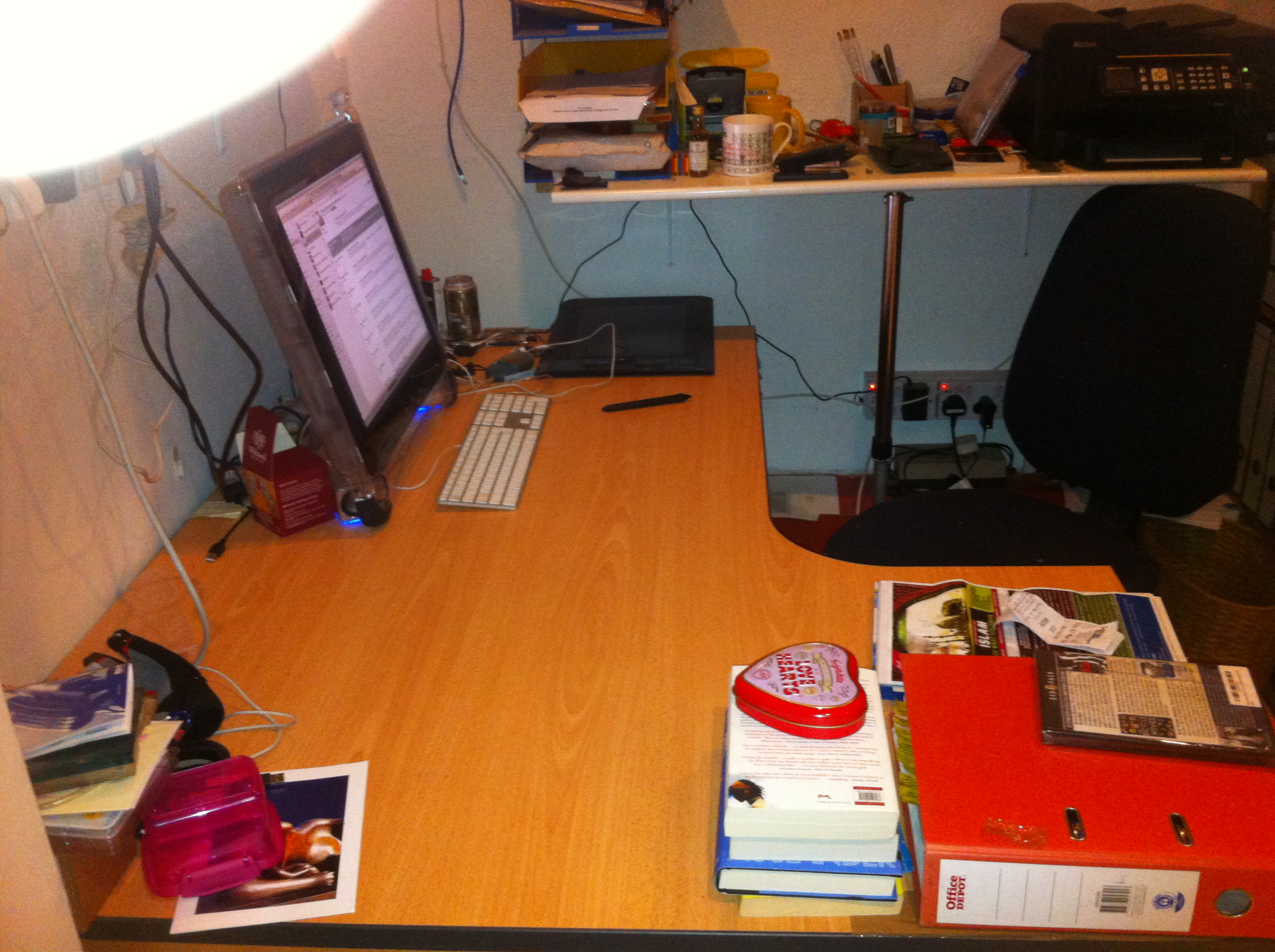
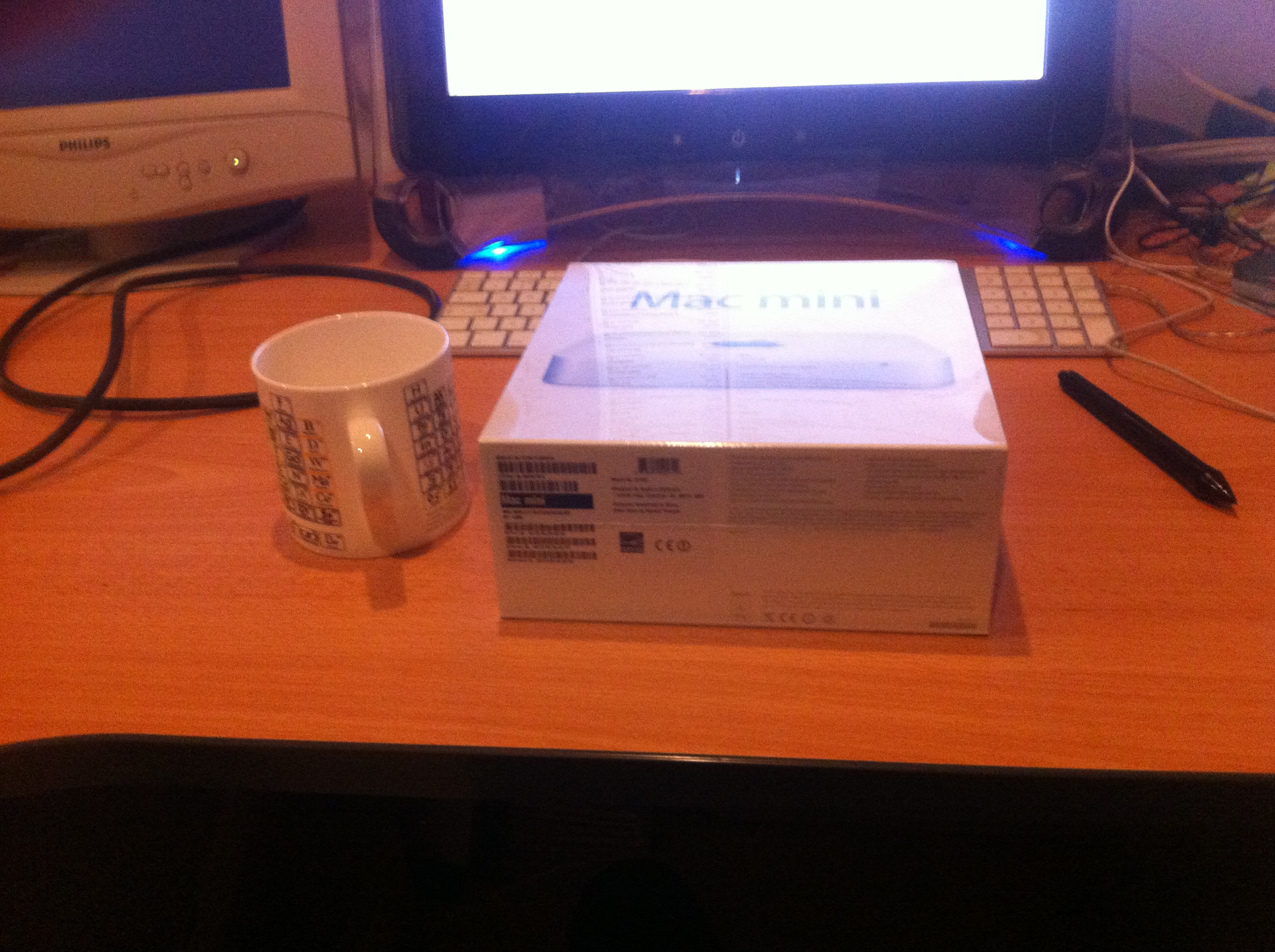
desk ready for action desk ready for action
border=0 border=0
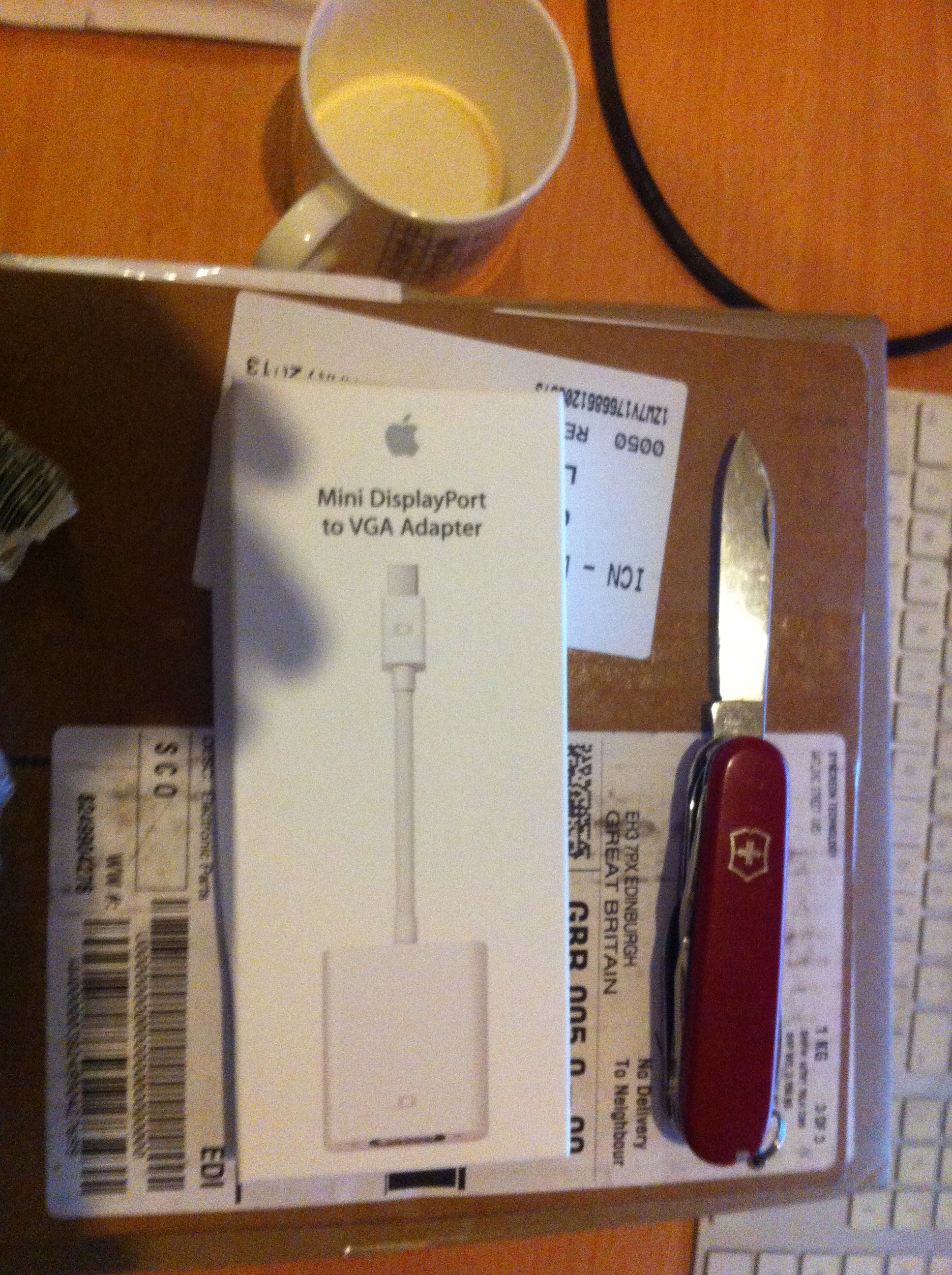
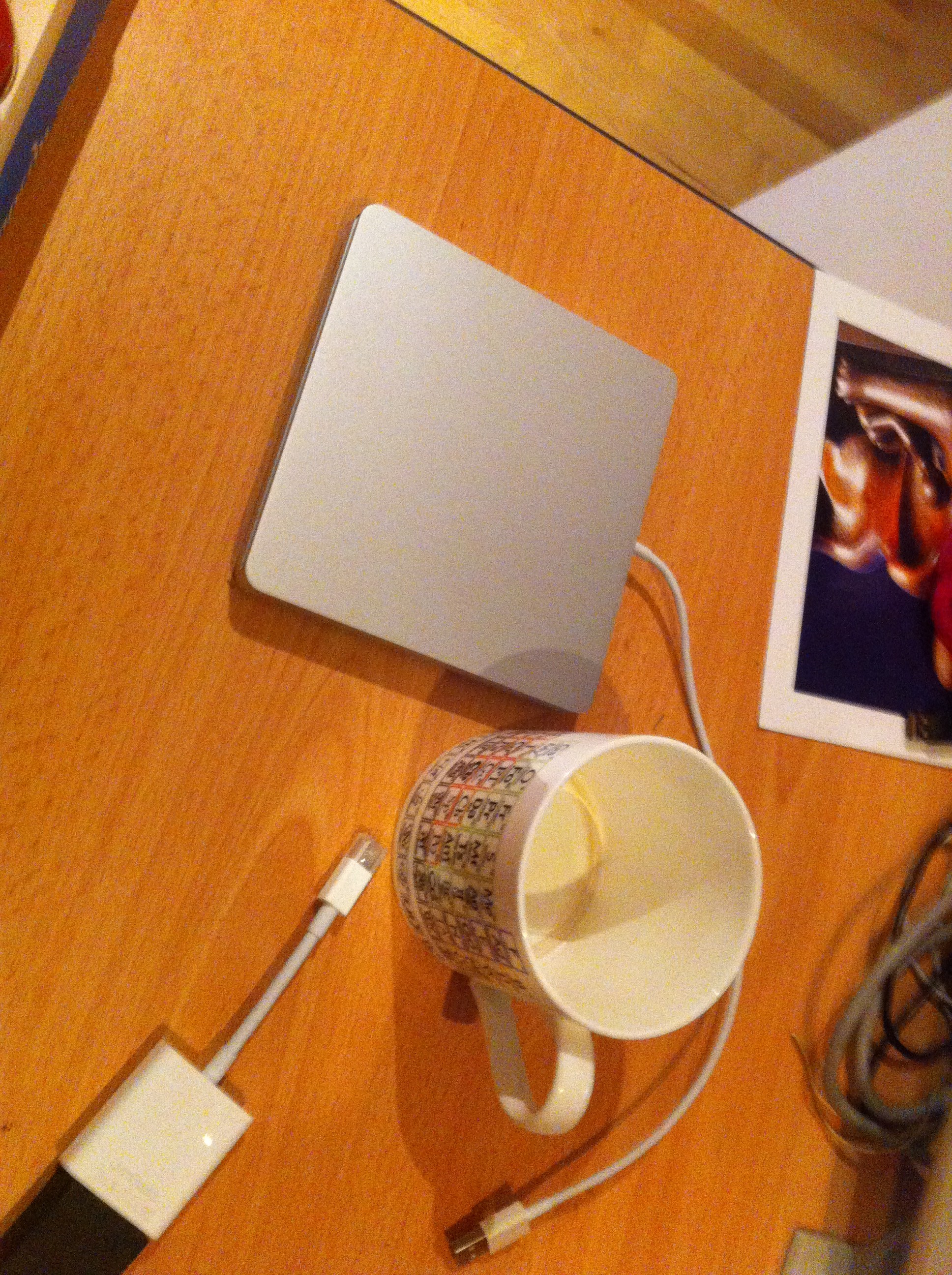
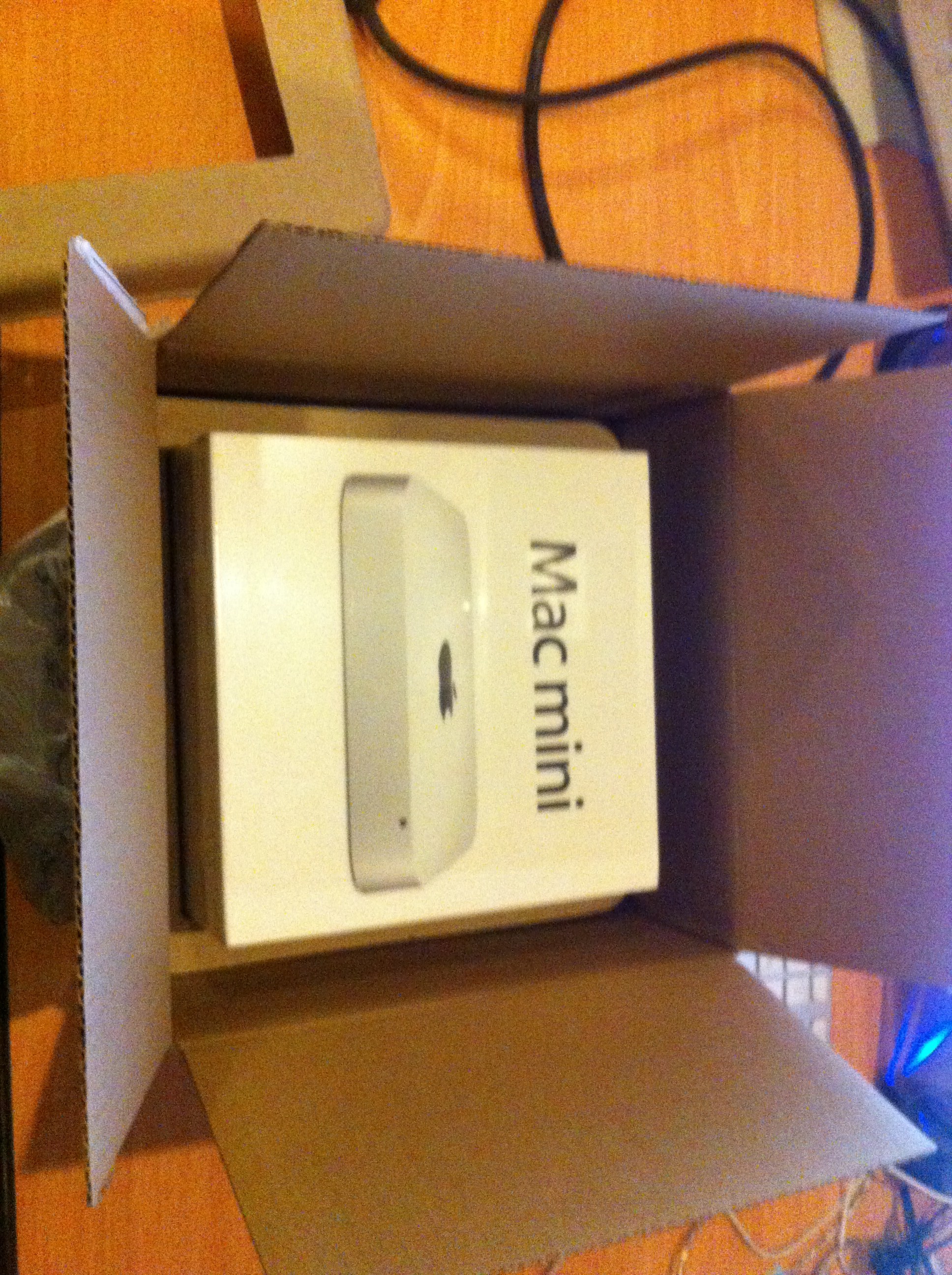
the packages monitor adaptor
border=0 border=0
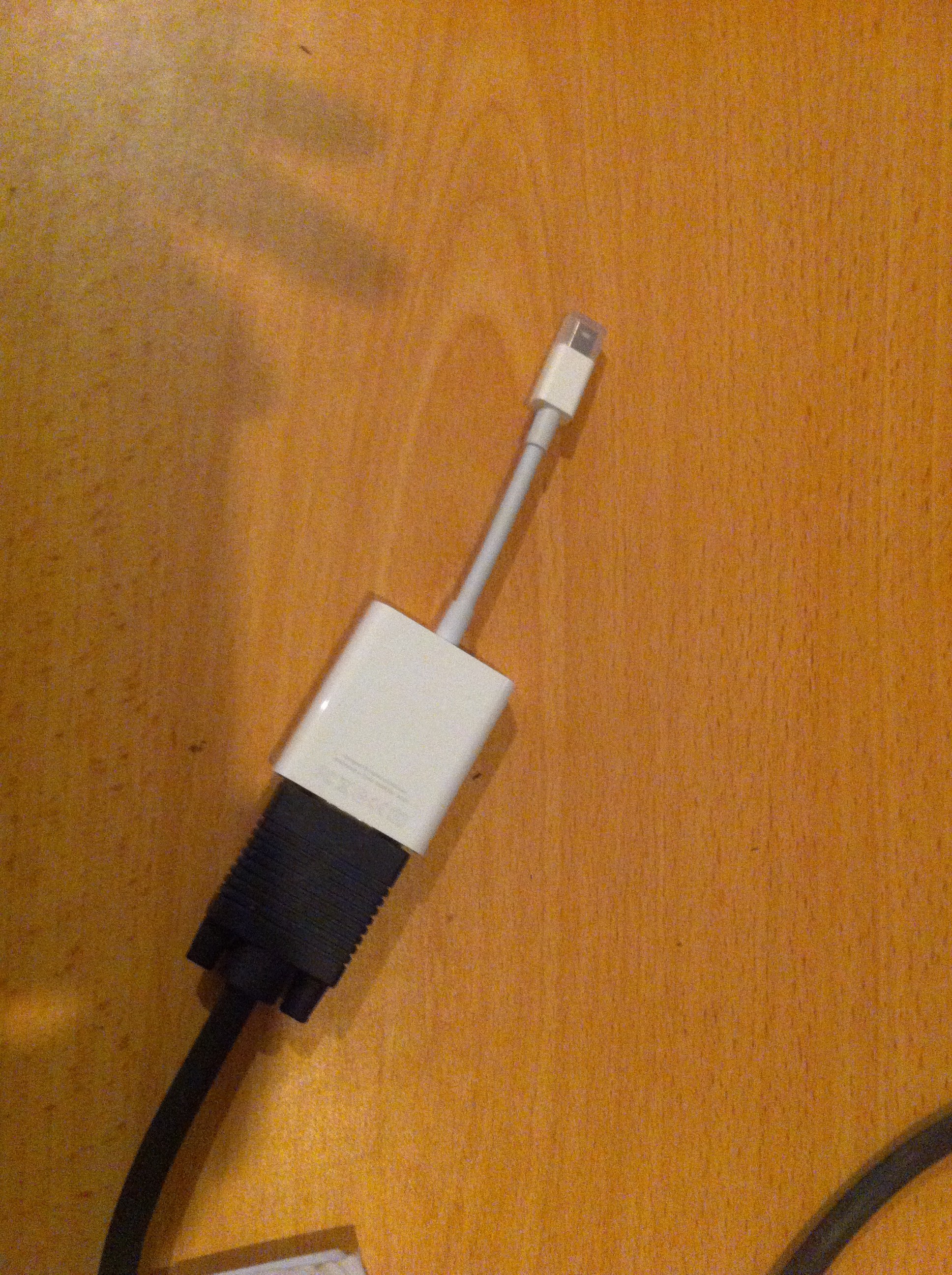
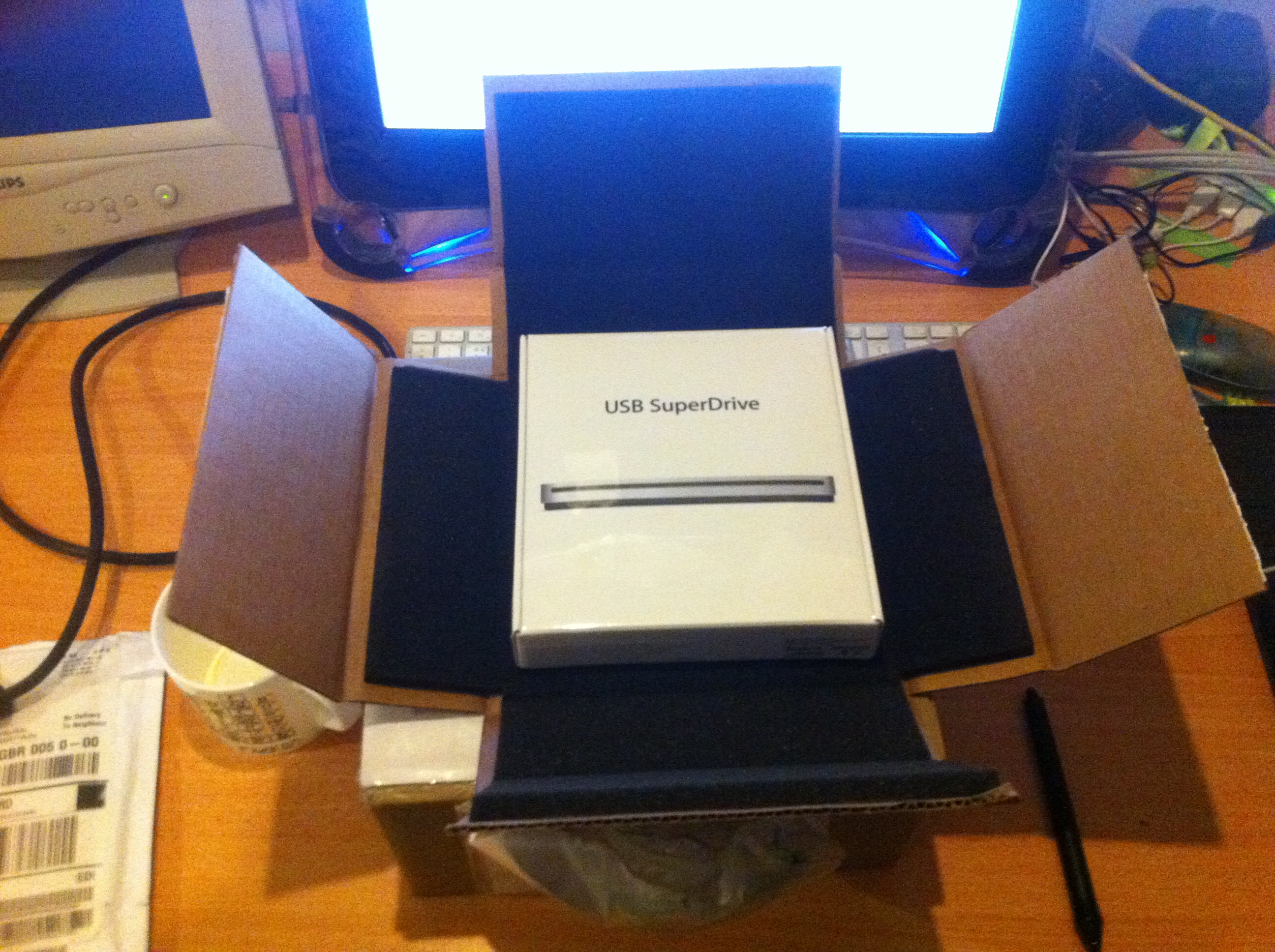
monitor adaptor attached to monitor cable unboxing superdrive 1
border=0 border=0
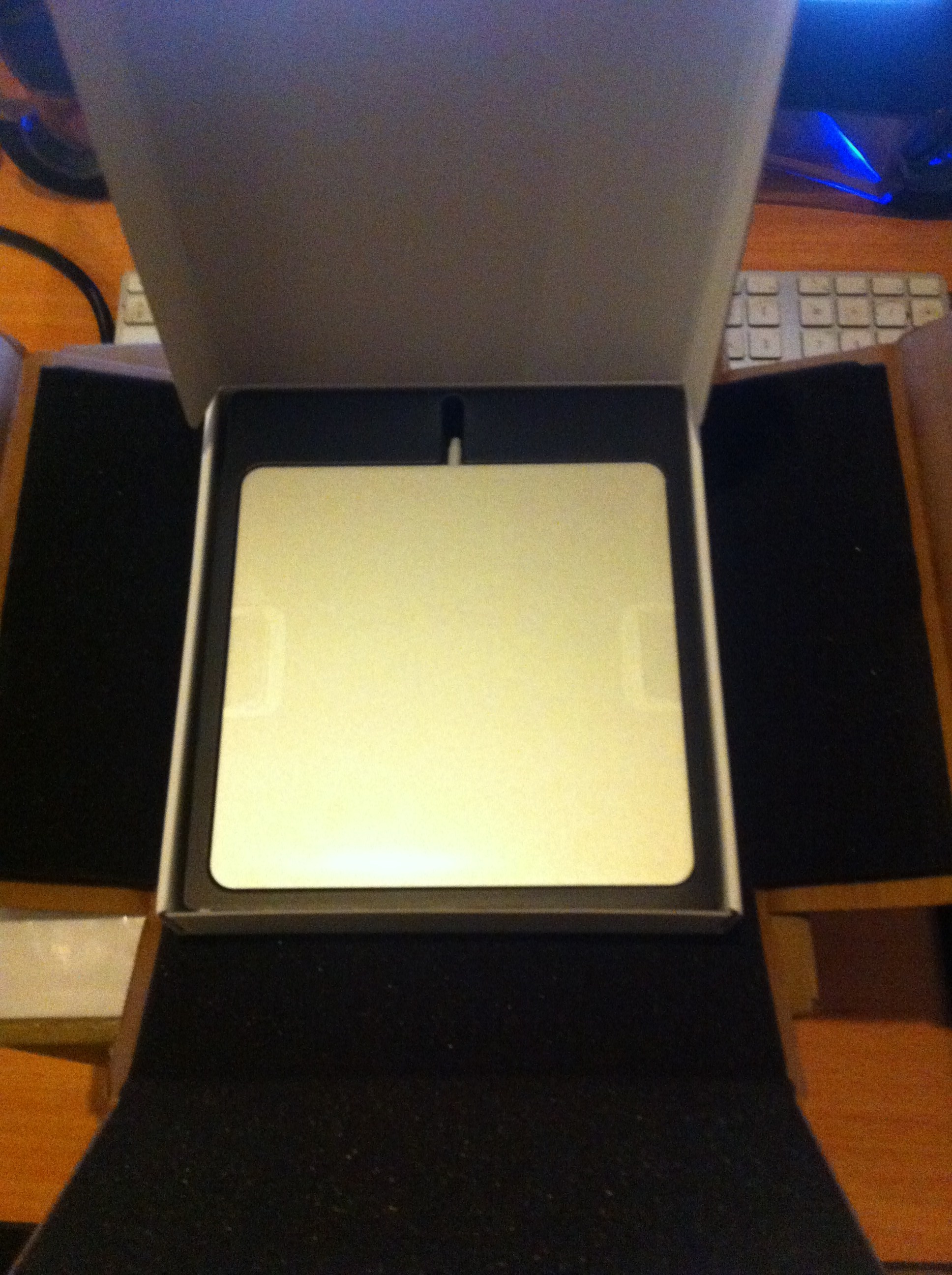
unboxing superdrive 2 naked superdrive – cute!
border=0 border=0
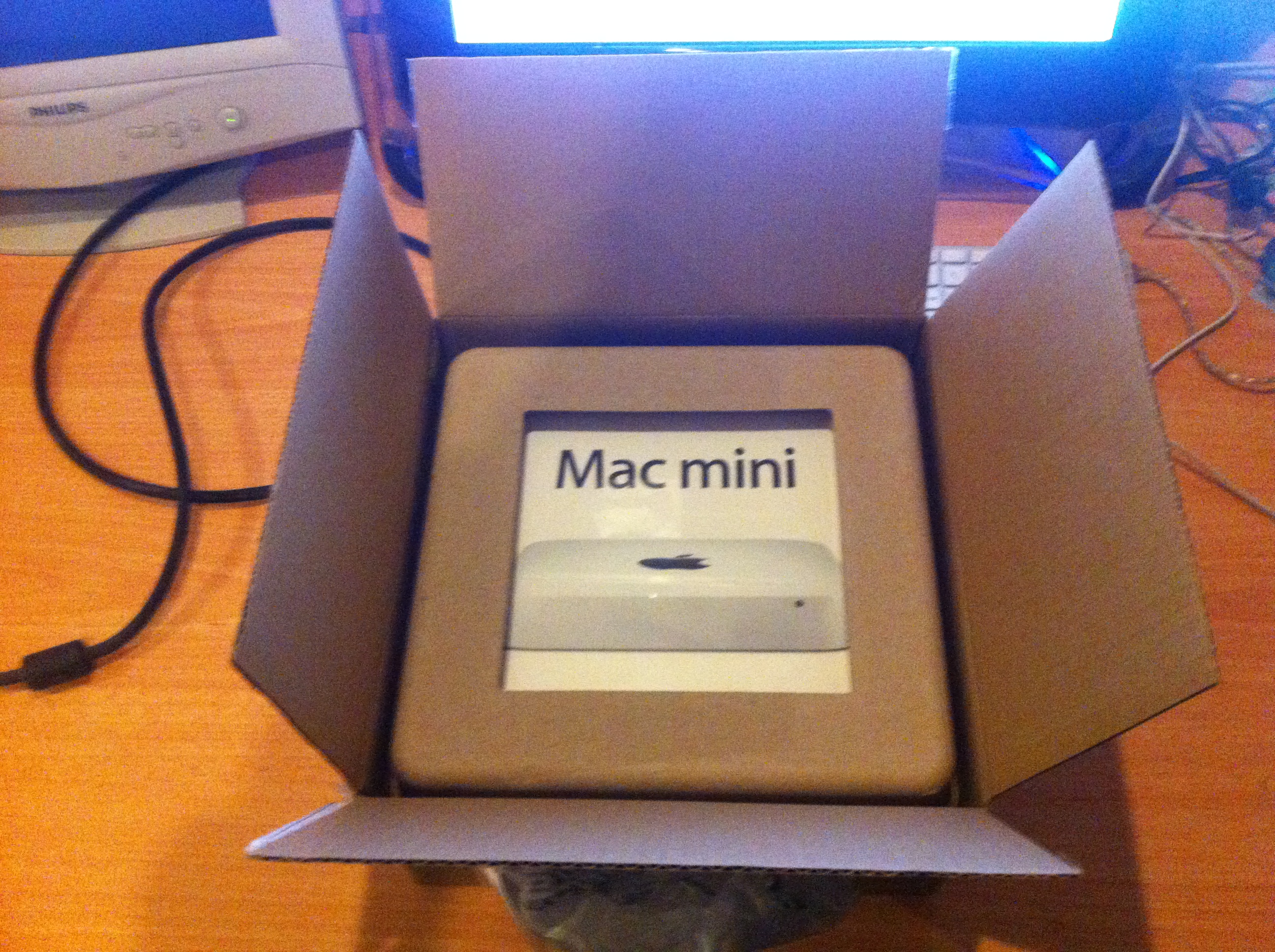
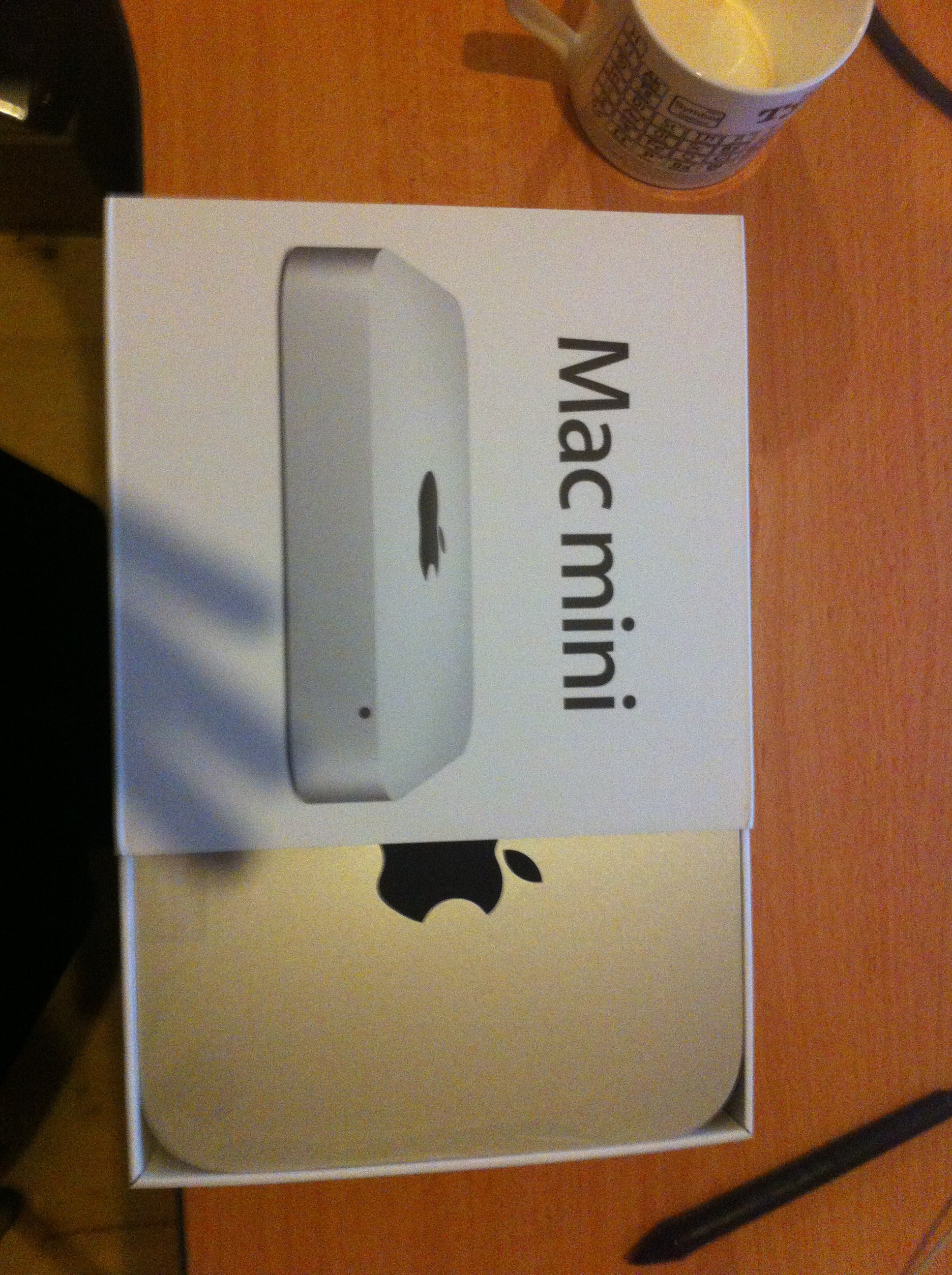
unveiling the mini 1 unveiling the mini 2
border=0 border=0
the mini, unveiled slipping out
border=0 border=0
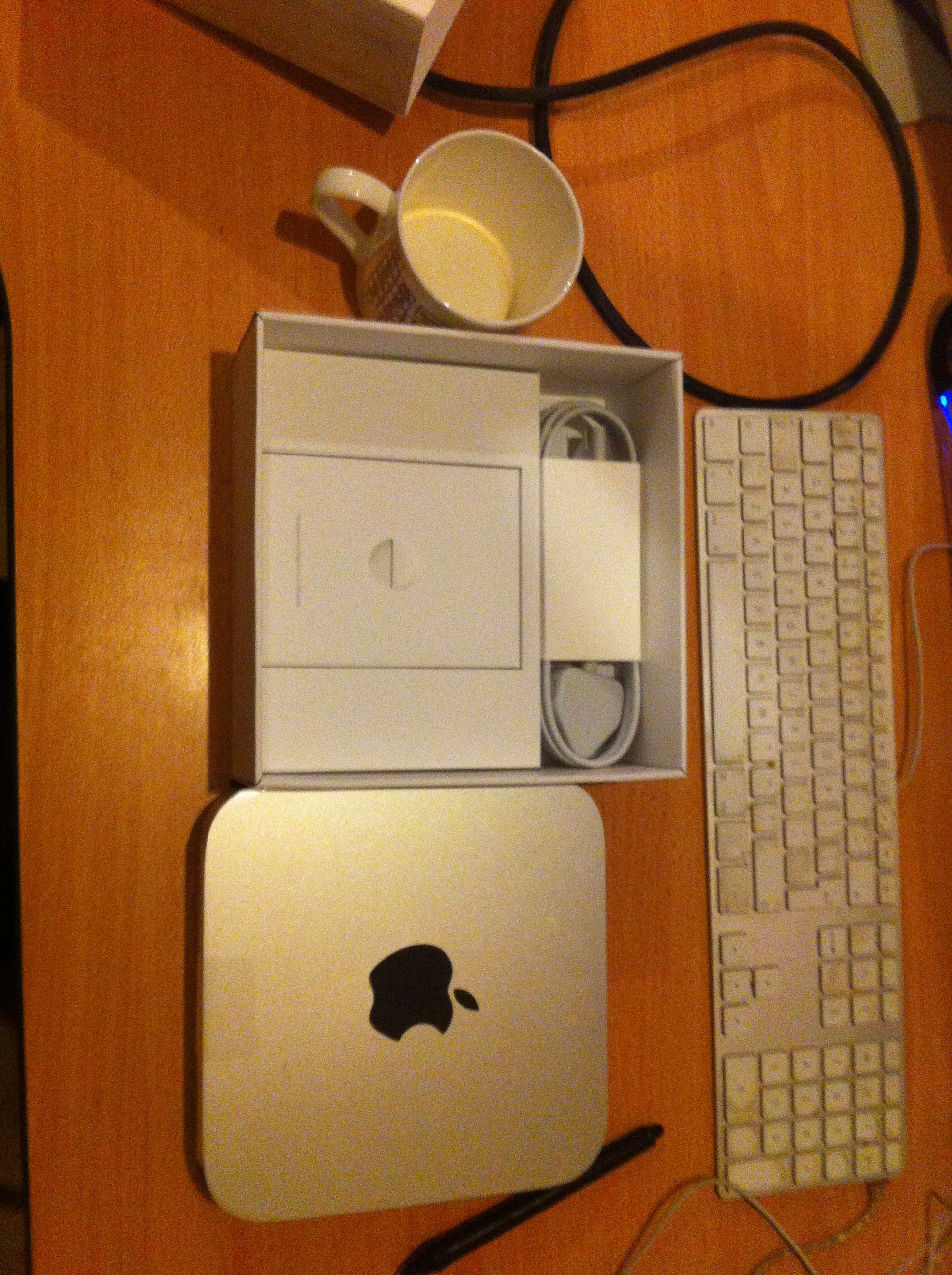
mini and gubbins 1 mini and gubbins 2
border=0 border=0
all plugged in and rarin’ to go first boot: superdrive works
border=0 border=0


Installation
Setting up an admin account for me and a user account for dad on the mac side were of course dead easy and quick. The pain lay in playing on the dark side and my ignorance of the snares and deadfalls that await unwary fanbois and fangurlls. As I recall, it went something like this:

  1. Invoke BootCamp Assistant, partition mac HD into 40GB (mac) and 460GB (PC)
  2. Install Win7, then wonder Windows is complaining that certain components don’t have drivers. I’d forgotten to install Windows support bits from Apple.
  3. Realise that three accounts is one too many, especially when despite one of them being called Admin, in the Users folder there are two Jack Ryan directories and one Bruce Ryan directory. It’s not obvious to me which Jack Ryan directory pertains to Admin.
  4. Install RealVNC so I can monitor the mini from here when it’s in Worcester.
  5. Install 2000 edition of MS Office and am amazed it works under Win7. That is all except MS Outlook: I configure that to see dad’s email but it fails to restart thereafter. (This was not the only time it behaved this way.)
  6. Install Photoshop Elements 10.
  7. Install Opera and Firefox
  8. Install Acrobat reader and Flash
  9. Install VirtualBox and try to make a Windows XP virtual machine so I can run dad’s ancient version of Autosketch (a CAD program). This fails because my WinXP installer disk is corrupt.
  10. Restart in MacOS, copy my WinXP VM’s disk image to the mini, restart in Windows, make a new VM based on my disk image. Something stuffs up: Windows will no longer speak to the VGA monitor and now is all confused about its IP addresses, so RealVNC falls over. I can cure the first by using my DVI monitor (the mini came with an HDMI-to-DVI adaptor) but the latter seems incurable. For some reason, using the DVI monitor rescusitates the VGA monitor.
  11. The VM now falls over: it doesn’t like my attempts to attach a USB floppy drive. (The Autosketch installers are on floppies. Copying them to Windows via my MacBookAir and a USB stick works, but the installer won’t work unless it can see the actual disk 2.)
  12. Enough is enough: restart in MacOS and use BootCamp Assistant to remove the Windows installation, then recreate it.
  13. Go through several hours of Windows upgrades again. Why is each one slower than the last?
  14. Install RealVNC. It works, so I reclaim my DVI monitor for my macs. The VGA monitor stays attached to the mini. As far as I recall, it stayed happy from this point.
  15. Reinstall MS Office 2000. It all works apart from Outlook as before.
  16. Reinstall Acrobat and Flash
  17. Reinstall Photoshop Elements
  18. Configure Internet Explorer in a way that makes sense to me (minimal ‘accelerators’, Google as the only search provider, minimal toolbars to maximise web-browsing area.)
  19. Remove the cruft from TaskBar and StartMenu. Pin the programs dad uses to these.
  20. Find that MS Outlook is now stupid-money-ware. £100 for an email client! (OK, I know it does more than just email but that’s all it would be used for on this computer.)
  21. Download and install Mozilla Thunderbird.
  22. Find the server details for a BT email account and configure Thunderbird. It seems to be a Thunder-turd in that while it will pick up dad’s email, and even leave it on the server (despite the account being POP3), it won’t send.
  23. Wait until Thunderbird has received the 3000 emails in dad’s in-box. Email still won’t send.
  24. Look up BT’s step-by-step guide to configuring Thunderbird. Sure enough, I’ve put the server details, port numbers and other gubbins in the right bits.
  25. Aside – did you know that BT email insists on unencrypted password validation and uses some very non-default port numbers?
  26. Download BT’s automatic configurator and run that on Thunderbird. Now it can’t even receive email.
  27. Uninstall BT’s now-proven-useless configurator and stop to think…
  28. …if BT website quotes non-standard port numbers, and I suspect that BT are, er, less than perfectly competent, perhaps they’ve misquoted the numbers?
  29. Set the port numbers to standard ones (as recommended by Thor’s avian email client) and LO! it ceases being a Thunderbox. In fact, Thunderbirds are go!
  30. Amuse myself by testing whether dad’s email account can now send to and receive from my accounts and Elly’s domestic account. It can, so I’ve done all I wanted apart from get Autosketch working.
  31. On my WinXP VM, strip out some cruft, do the latest bloody updates and try many ways to get Autosketch onto it. No joy. My last thought is that I could reinstate CrossOver on my mac, install Autosketch under it, then copy the relevant gubbins to the WinXP VM. I’ve not yet tried this.
  32. Reboot the mini in MacOS
  33. Recopy my WinXP VM disk image to the mini’s mac partition, along with the Autosketch installer disks’ contents
  34. Reboot the mini in Windows. Copy the VM disk image and Autosketch stuff to dad’s Windows desktop.
  35. Find I can’t delete the copy of the VM disk image from the mac partition from windows.
  36. It takes 2 reboots to be able to delete the disk image from the mac side
  37. Final reboot into Windows. Set monitor resolution to 600 * 800, just in case dad’s monitor doesn’t play ball when I get to Worcester.
  38. Shut down mini and box it up, along with superdrive, dad’s installer, some of my installer media, a firewire400-to-firewire800 converter (I have a 350 GB firewire400 HD in Worcester to transfer dad’s data from the old PC, but the mini has only firewire800) and installer stuff for MountainLion and other odds and sods.
  39. Clear physical cruft from my desk.
  40. Th-th-that’s all for now.

Still to do in Worcester

  1. install printer – no point in doing this until next to actual printer
  2. install crashplan, get data from old PC to mini, then configure crashplan to back up data to same place (thus avoid a month of uploading data crashplan already has.
  3. check remote control works across internet.
  4. Remove the HD from your old PC, put it in an enclosure and use it as an in-house back-up device.
  5. Throw away the carcass of the old PC
  6. If I can, get AutoSketch working


close enough to bite on the cigar!

When Mood Music
2013-03-09 14:20:00 happy

So last post I mentioned that yesterday I was interviewed for a part-time research fellowship in ePunditry.
Yesterday morning at 9:30 I received possibly the nicest ever rejection email from the project leader:

I am really sorry to have to notify you – by this agreed method – that you were unsuccessful. You were, however, close to getting it and so you should not feel demotivated about this outcome. I would rather say more to you in person or by phone, and have freed up 4pm to 6pm today. So if you want immediate feedback telephone me then or just drop down to my office. If this time does not suit then the middle of next week will be my earliest opportunity.
Thanks again for your interest and application.

I took up this unsolicited offer and was very heartened to learn that I’d definitely been appointable, that I hadn’t interviewed anything like as badly as I thought and that the person actually appointed simple had a stronger publication record, closer to the subject than I did. The project leader was very complimentary about my abilities and skill-set. I should get my MSc finished, along with the papers from my research last summer and from what will come of out the MSc dissertation.

Later, the Social Informatics professor who had been one of the interviewers emailed

This is just to say that I am sorry that you missed out on the research fellow post. I believe that has already offered you feedback?
We’re always submitting research bids so I hope that we might have posts available for which you might apply in the future. I hope that you still manage to have a good weekend, despite the disappointment.

I’m in awe of how this application has been handled: completely non-hostile (in fact encouraging) interview; fast notice; spontaneous offer of feedback; useful, heartening and encouraging feedback. The irony is it makes me want to work at CSI even more – intelligent, caring people!

Two closing thoughts:

  • If they’ve found a better applicant than me, they’ve got a damn good person.
  • It’s quite possible that an academic career beckons after all!


Electric soup, part 2

When Mood Music
2013-02-23 12:44:00

Although I installed the USB-WERK on the 16th, I didn’t get to test it until the 20th. During that time I only commuted to university and spinning, but I thought that would be enough to charge the USB-WERK’s cache battery. (The manual instructs Cycle for approximately 10 minutes at 15 km/h with [no load on the USB-WERK] to ensure a basic charge of the cache battery.] So I was quite concerned that that the system appeared not to work.

Panic
I emailed the vendors (Rose), asking how I could check

  1. Whether the dymano was generating power
  2. If so, whether that power was travelling up the fork cable to the USB-WERK. (Assuming the cable wasn’t broken, had I attached the clips correctly?)
  3. If so, whether the USB-WERK had the correct output power
  4. If so, whether the power was travelling through the USB-WERK’s coaxial-to-USB extension cable
  5. If so, whether the power was travelling through the USB-to-iPhone cable.

Rose replied There are special tools to measure it. But I think that is not your job, you can send us the USB-WERK and we will switch it. The USB-WERK is a new product and mistakes can be possible. While I appreciated this, I didn’t fancy waiting for the original to get back to Germany and for a replacement to reach me. I also realised that I could partially test item 5: while I knew that the short 3rd-party USB-to-iPhone cable seemed OK when used to attach iPhone to my mac, Apple kit can be quite sniffy about 3rd-party accessories. (G5 macs in particular are very sniffy about the brands of RAM they’ll recognise.)

So I tried a genuine Apple cable. I happened to be wearing my bluetooth headphones and I heard the ‘I am now charging noise’ when I connected the iPhone. I tried again and momentarily saw the ‘I am charging’ battery-graphic. This was very quickly replaced by the normal lock-screen. This behaviour recurred with the short cable. So, for fractions of a second, power was reaching iPhone. I guessed that the USB-WERK’s cache battery had received just enough charge to begin output but not enough to sustain it.

Next steps
I then cycled to university. So long as Lev was moving, iPhone received charge but when Lev stopped (there are at least 10 sets of traffic-lights in a 2-mile journey), charging stopped. So my next test will be to cycle fast for an hour or so with no load on the USB-WERK to fill its battery. Then I’ll connect jPhone: if it charges continuously on the return journey, even when I stop, this will be proof to me that the USB-WERK werks. If not, I’ll ask for a replacement.

And finally
Once I have a functional USB-WERK, I’ll still need to solve this:

border=0

And how I wish I’d had the nerve to do it all myself.

Electric soup

When Mood Music
2013-02-16 22:41:00 determined

I like to track my cycling using the cyclemeter app on my jPhone, so jPhone nestles in a Lifeproof case which fits into a handlebar mount. The only problems I’ve had are

  • cold – it’s not fun when I need to remove a glove to interact with jPhone (Touchscreen gloves helped for a while until the touchy bits wore out.)
  • when cycling, jPhone’s battery only lasts for about 4 hours – continuous Bluetooth (music) and tracking location take a lot of power.

Tesla versus Edison
So I’ve been in search of a dynamo to keep jPhone charged for quite some time. There are some bottle dynamos that are supposed to work but I’m wary of friction-damage to tyres. It seems the best option is a hub dynamo, and the best of breed in this class appears to be the Schmidt Original Nabendynamo (SON).

Just to make things a little more complex, hub dynamos produce AC current: their power that varies with how fast the bike is travelling. AC is OK for lights, so long as the bike is moving, but no good for jPhones – they need 5V DC at 1A. So a rectifying stage is needed. Schmidt do not answer this challenge directly – they concentrate on hub dynamos and related lights. However Schmidt’s very helpful Frau Britta told me about Busch und Müller and their two solutions to this need:

Arrival and surgery
So now I knew what I needed – I just had to find someone willing to sell me the kit. A lot of searching later, I found Rose Verstand. After some paranoid checking that Rose’s product number foo was exactly the same as Schmidt’s product number bah (there are a fearsome number of SON variants – I needed the version with ISO 6-hole mounts for disk-brake rotors and 32 spoke holes), I ordered my SON and USB-WERK.

Thanks to DHL’s tracking, I could visualize my kit travelling across Europe: 5 days from Rose’s ‘biketown’ to my hot-and-stickies. The next stage was to fit the kit. I’ve not yet built a wheel but John, one of the mechanics at the Edinburgh bike co-op, seems to live for such tasks. Lev went home on Thursday, was on the operating table yesterday and was collected today. A few miles showed me that the new hub hadn’t added any noticeable weight or resistance, so it was time to fit the rest of the kit.

Lev ready for surgery Here’s the hub dynamo in place.


Homework
The first task was to fit SON-style clips to the USB-WERK charging cable. (It comes with clips for SONs and Shimano hub dynamos.) This was quite fiddly, especially flame-shrinking the insulation around the clips.

Attaching clips to the charging cable

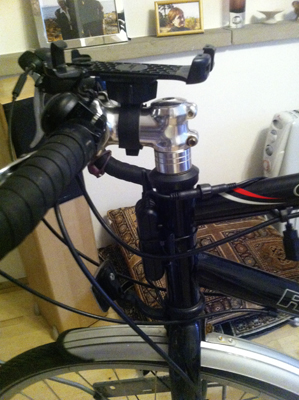
Clipping the cable to Lev’s front fork was easy, but deciding where the USB-WERK should go was less fun. Lev’s top- and down-tubes are oval-sectioned and too thin for the USB-WERK’s attachments – the only option I found was to put the USB-WERK on the front of the head-tube.

USB-WERK attached to front of head-tube

The next task was to get power from USB-WERK to jPhone. USB-WERK’s output cable has a waterproof connection to a short USB female cable. This can be removed – a small condom keeps the connector safe.

prophylaxis
Next steps
As you can see, a standard jPhone cable is far too long, and will slow the electrons, so I’ve ordered a much shorter jPhone cable. So that’s sorted.

over-long cable

The final problem is how to mount jPhone while it’s charging. When it’s in the Lifeproof mount, its charge-door can’t be opened. I could do some surgery to the mount but this may well render the mount useless and so waste £50. I’ve ordered a cheap and cheerful Revolution-brand mount, which will take charging cables. Because jPhone already has a front cover as part of the Lifeproof case, I’m dubious whether I’ll be able to control jPhone through two layers. Also, the Revolution mount will need to be attached to the top of Lev’s steering column, potentially displacing the Lifeproof mount. (I may be able to fit one behind the other – watch this space.)

For the moment, I can do this

Light fantastic
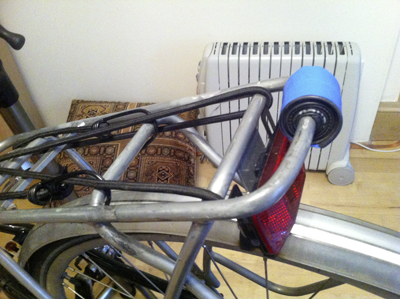
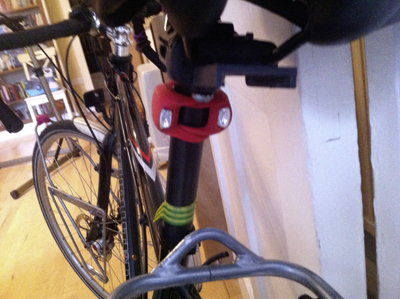
My final bike tasks for today were to replace the exhausted batteries in some of Lev’s skullies and knogs, and move his rear blinders (USB-charged lights). I had mounted the blinders on the saddle-post but using two panniers tends to occlude lights in this position. So I shimmed the pannier rack’s rear bar with bits of dead inner-tube, then positioned the blinders. (The other blinder was charging while I took the photos.) I’ve retained two rear skullies in case the blinders run out of charge, and repositioned the knogs on the saddle-post.

shimming two shims and one blinder in place
rear view knogs on saddle-post

Final thoughts
None of this has added any significant weight to Lev. But it has increased his value by over £300, so I now need to carry an extra strong lock-cable so his front wheel can’t be stolen. And yet Lev only cost £450, although I almost immediately bought him much better tyres costing £70.

Once I’m sure the hub-dynamo/USB-WERK/jPhone rig works, my final change will be to add a USB hub somewhere near the head-set, then string cables from it to the front and rear blinders.

ye cannae break the laws of fizzics

When Mood Music
2013-02-16 14:02:00 aghast none

Searching online for a short iPhone cable, I met this

I purchased this item because I thought, being shorter than the standard 1 metre sync cable, it wouldn’t take as long to charge my devices.

Oh yes, electrons are massively slowed down by travelling through a few extra cm of copper wire. Sometimes I despair of fanbois.

back to the future?

When Mood Music
2013-02-11 16:24:00 The Bands 05II – compilation of various artists

I’m not going back to chemistry, at least not as far as I know, but I’ve recently had cause to wonder what came out of my PhD. My former supervisor has supplied references and PDFs:

I have to admit I didn’t have any part in writing these papers.

Quandry resolved?

When Mood Music
2013-02-10 23:40:00 tired none

As an update to this request for opinions, I’ve now received the USB enclosure for the for the spare 60GB SATA HD and put the two together. I’ve populated this device with what was on my spare 64GB PATA SSD, namely installers for different flavours of MacOSX (from 10·4 to 10·8), then copied the contents of Pismo’s 32GB PATA SSD to the 64GB PATA SSD. (This took all night because Pismo only has USB 1·1 – slow!)

Just now I’ve put the 64GB SSD into Pismo – she seems to be working fine. In fact she seems a little snappier than before. And so I now have a ‘spare’ 32GB PATA SSD in a USB enclosure. (I’ll leave it alone for now – it has a known-good copy of Pismo’s OS and apps, just in case the 64GB SSD gets flaky.)

Pismo now has 33GB free (3GB on the OS9 partition, 30GB on the OSX partition). I seem to use about 2·5GB per year, so this space may well do for another 10 years.

The final steps would be to put WinXP back on the netbook and find a suitable home for it. Oh, and stop myself wasting money reviving the macbook pro. (It’s been prevented this month by £100 drop in my income and buying running shoes.)